WhatsApp Desktop
WhatsApp for PC is the most popular web app that helps you end-to-end encryption chat and audio/video calls.


Skype is a free, yet powerful audio and video calling platform that works similarly to other social-sharing apps, such as WhatsApp and Telegram. It uses Peer-to-Peer technology and has a powerful server to maintain the stability of connections.
It is cross-platform, which allows users to connect with others, regardless of device, including Windows PC, Android, iOS, tablet, and so on. You can connect it through Wi-Fi and get free services, or purchase a calling plan, and talk to anyone, anywhere, anytime.
Skype is one of the best social-sharing apps offered by Microsoft, and was released in 2003. It works on the P2P protocol, and you can use it on multiple digital devices. It has become the most popular platform across the world, and also has impressive partnerships with multiple huge companies, including eBay, Comcast, etc. It has also integrated with PayPal to offer money transactions safely and reliably.
It enables users to make audio and video calls, send and receive messages, and share their documents within seconds. Unfortunately, the awesome utility has been decided to shut down by Microsoft in May 2025, and users are advised to use Microsoft Teams instead.
The user interface is simple and intuitive, and offers quick navigation to all innovative features using the toolbar at the top of the screen. You will find all of your recent conversations as well as active friends on the left-hand side, and manage your ongoing conversation in the central area. It offers a color palette for soothing your eyes, as it helps to differentiate between different sections. You can also select Light or Dark mode, and change the “theme color” for applying to buttons and other items.
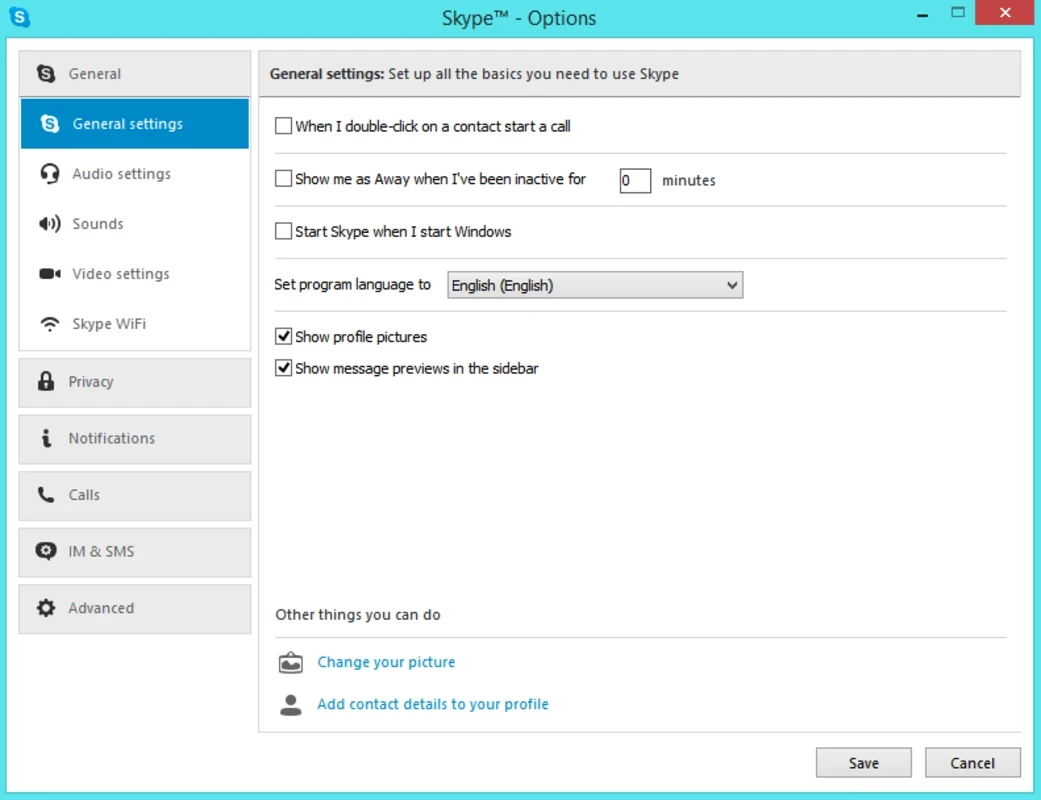
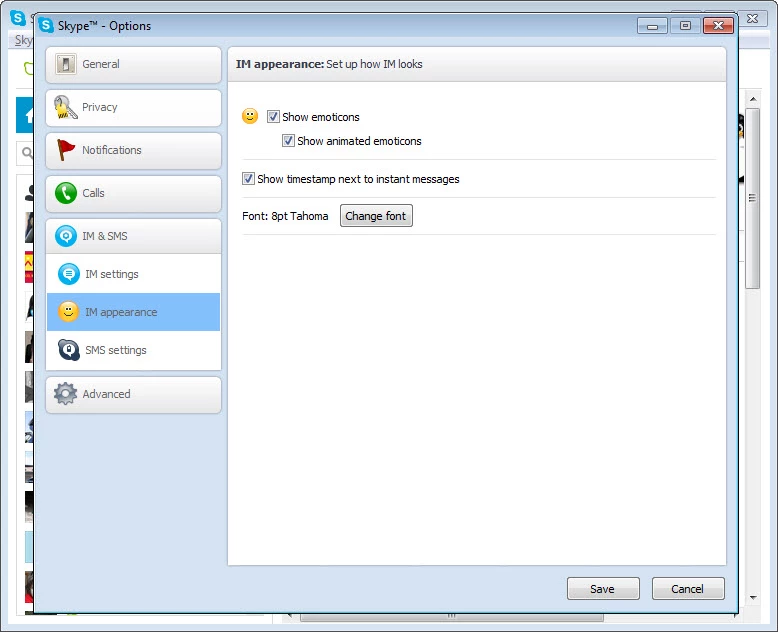
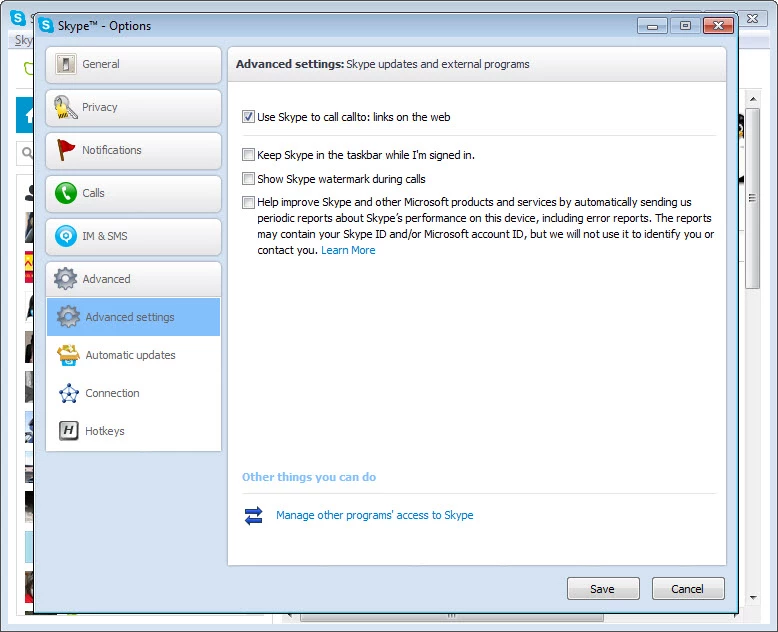
The clean and organized layout is quickly familiar, even for new users. Adjusting emojis in your settings, making phone calls, adding Skype credits for calls, and testing of mic, speakers, and cameras is also possible within the Options menu.
In the modern era, most of the apps are available to create a business environment within video conferencing calls. Similar to other apps, Skype also offers multiple innovative capabilities, and the plus point is you do not need to create an account; instead, use the “Meet Now” feature to attend a conference call. Simply, you need to use a call link and share with others, and use the app without downloading and creating an account.
Audio and video calling facility is not special for Skype, as this facility is available on nearly all popular instant messaging apps, but within Skype, you will experience crystal clear audio calls and high-definition video calls. You are also capable of recording your important calls and using live subtitles for reading the spoken words. The calling process is completely free of cost, and the best option for users who don’t want to spend money for chatting across the world.
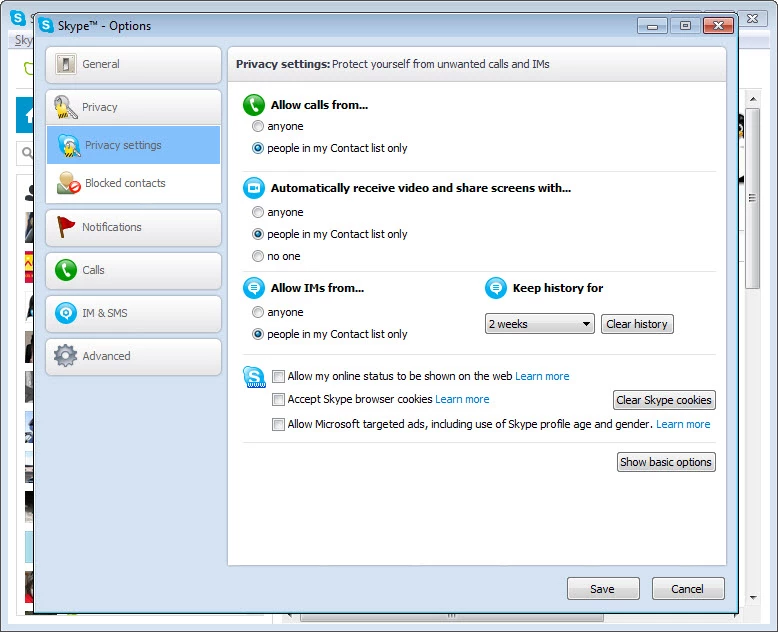
The software offers a smart messaging system while allowing you to send and receive text messages. You can also edit or even delete your already sent messages with a few clicks. The app also offers end-to-end encryption to manage your privacy and security, and keep your sensitive conversations private.
It is also an awesome feature that allows you to not only talk with your friend or family, but also share your computer screen with them, and share your pleasant moments, share your vacation photos, and even important presentations or assignments to discuss important points.
Use of emojis and reactions helps users to express their feelings with a tiny selection, instead of typing long sentences. So, you can enhance your creativity while using reactions, emojis, and stickers within your messages, and make your conversation impressive and exciting. Moreover, the live emojis also offer non-stop excitement.
No doubt, the app offers free of cost services, and you can contact your friends and family across the world without paying any fees. It requires only Wi-Fi or mobile data to connect reliably with others. But, if you want instant connection with your friends and family without waiting for their online status, you have to purchase a Skype phone number, which allows you to communicate with others hassle-free. However, you can use Skype Credit to purchase a subscription at very low rates, and call even on landline numbers and mobile numbers as well.
Similar to other messaging apps, Skype also offers a file sharing process within supports multiple formats and sizes as well. The sharing process is safe and secure within end-to-end encryption. You are also capable of making group calls while adding up to 50 participants.
Pros
Cons

WhatsApp for PC is the most popular web app that helps you end-to-end encryption chat and audio/video calls.

Microsoft Teams collaboration and communication tool for personal and professional use

Download Facebook Android APK on PC Windows (7/10/11) to upload and share your happy memories, photos, and videos.

Zoom App for PC get all of your co-members and students in a video conference

Discord Canary, test upcoming features before they release

Telegram Desktop is Communication app for PC. Working under the MTProto protocol.